
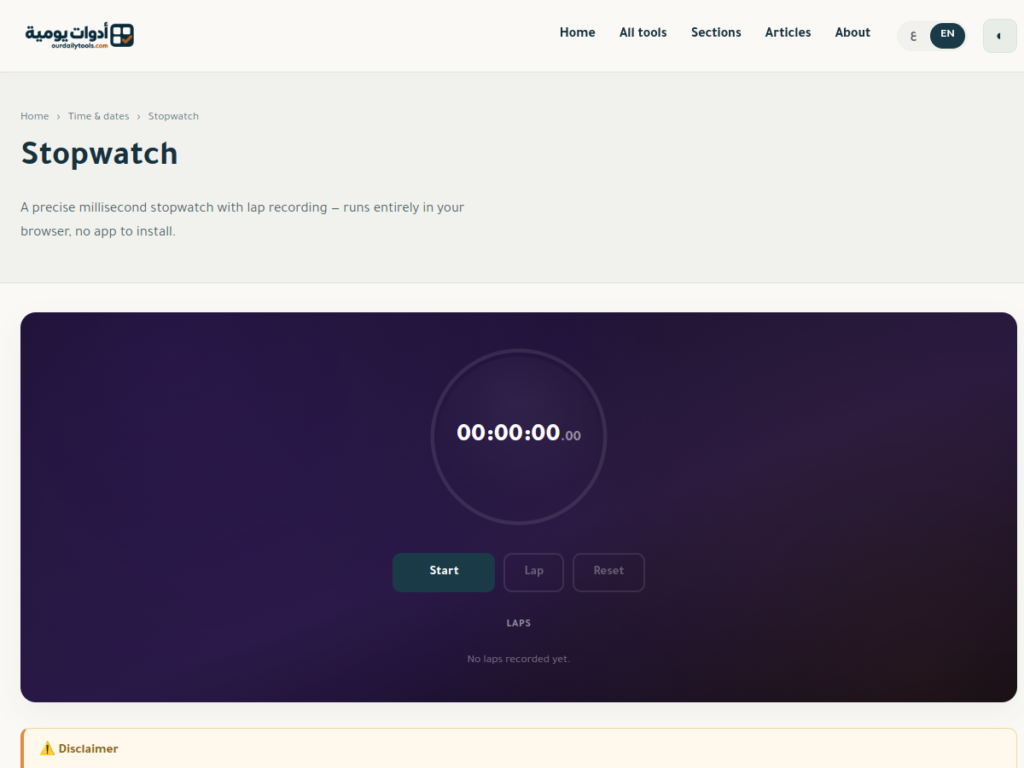
A lap timer helps you measure separate stages of one activity while the main stopwatch keeps running. Instead of restarting after every section, you mark a boundary and continue. This is useful when rehearsing a presentation, completing several question sets, or comparing stages of a repeatable task.
This guide uses the Our Daily Tools online stopwatch. You will learn how to record laps, distinguish individual durations from cumulative readings, and check your totals without accidentally counting the same time twice.
1. Choose a clear task for your lap timer
Define what starts and ends each stage before you press Start. For a presentation, your stages might be the introduction, explanation, and closing remarks. For practice questions, use groups with a defined number of questions. A two-question group and a ten-question group are not directly comparable just because both receive a lap number.
Write a short label for each stage in a separate note. Lap numbers tell you the order of events, but they do not explain what happened. Keeping that context makes the timing record useful when you review it later, particularly if you repeat the same activity several times.
2. Record each boundary without resetting
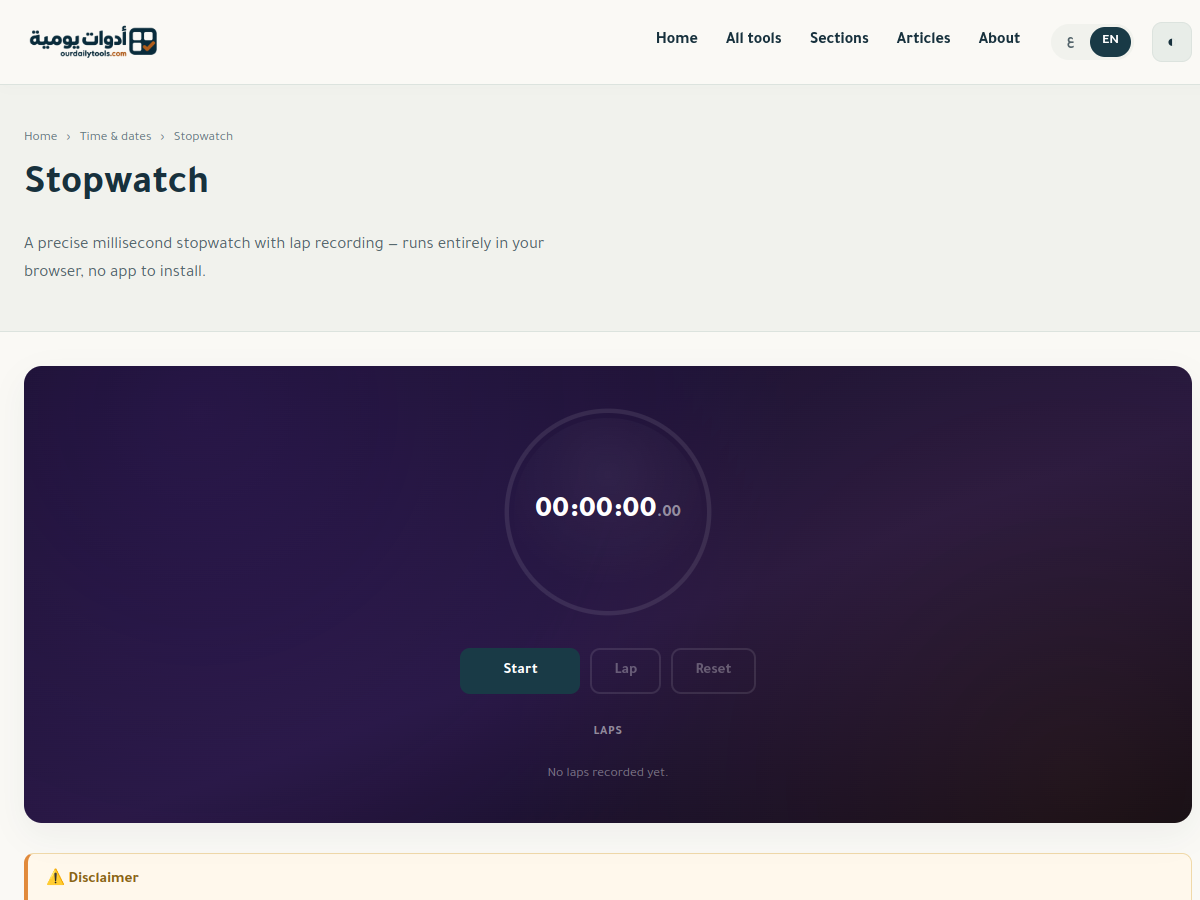
Open the stopwatch and press Start when the activity begins. At the end of your first stage, press Lap and move straight into the next stage. Record another lap when that stage finishes. Mark the final stage before pausing the stopwatch so that the last section is included in your record.
The main timer continues during lap recording. You do not need to remember earlier readings or start a fresh session for every section. Try a short rehearsal of the controls first, especially on a phone, to avoid pressing Reset when you meant to record a lap.
3. Read individual laps and cumulative time correctly
An individual lap is the duration of one stage. A cumulative reading is the total elapsed time from the original start. If your first stage ends at 02:20 and your second ends at 05:10, the second stage lasted 02:50. It did not last five minutes and ten seconds.
| Stage | Individual lap | Cumulative reading |
|---|---|---|
| Introduction | 02:20 | 02:20 |
| Explanation | 02:50 | 05:10 |
| Closing remarks | 01:15 | 06:25 |
These are illustrative figures, not recorded results shown in the screenshot. The full activity lasts six minutes and twenty-five seconds. Do not add the cumulative column: doing so counts earlier stages repeatedly. Add the individual lap durations, then compare their sum with the final cumulative reading.
4. Convert to seconds when checking the arithmetic
For an easy manual check, convert each duration into seconds. Two minutes and twenty seconds becomes 140 seconds; two minutes and fifty seconds becomes 170 seconds; one minute and fifteen seconds becomes 75 seconds. The total is 385 seconds, which converts back to 06:25.
The NIST reference for time units defines a minute as sixty seconds. For more worked conversions, see our seconds to hours and minutes guide. Keep decimal minutes separate from minutes-and-seconds notation: 2.5 minutes is 02:30, not 02:05.
5. Compare performance as well as duration
A faster lap is not automatically a better result. Note whether you finished the task, corrected mistakes, or experienced an interruption. A short closing section could mean a concise delivery, but it could also mean you skipped an important point. Timing tells you how long something took, not whether the outcome was successful.
If you pause during an interruption, record that choice alongside your figures. If you leave the timer running, the interruption is included. Use a consistent rule across sessions you intend to compare. Otherwise, differences in your timing method may look like changes in performance.
Save your notes before leaving the page
The tool states that closing the tab, reloading the page, or resetting clears the recorded times. Keep the page open throughout the session, and copy the important values into your own notes before leaving. Do not assume your stopwatch laps will synchronize with another browser or appear in an account history.
Small decimal digits on a display do not make a manually operated browser stopwatch a laboratory instrument. Your reaction time and device behavior also affect the boundary you record. For everyday practice, keeping the task and timing method consistent is usually more informative than comparing tiny fractions of a second.
Frequently asked questions
Does Lap stop the stopwatch?
No. It records a stage while the main timer continues. Pause is the control to use when you want to suspend elapsed-time measurement rather than mark a boundary.
How is it different from a countdown?
A stopwatch counts upward from zero. A countdown timer starts with a duration you choose and counts toward zero. Choose a countdown when you have a preset limit and a stopwatch when you want to discover the time taken.
How do I check the final result?
Add the individual laps and compare their sum with the last cumulative reading. If they differ, check that you copied the correct column and recorded the final stage before ending the session.